
Download Adobe Podcast – AI‑Powered Podcast Editing, Free & Secure
Overview
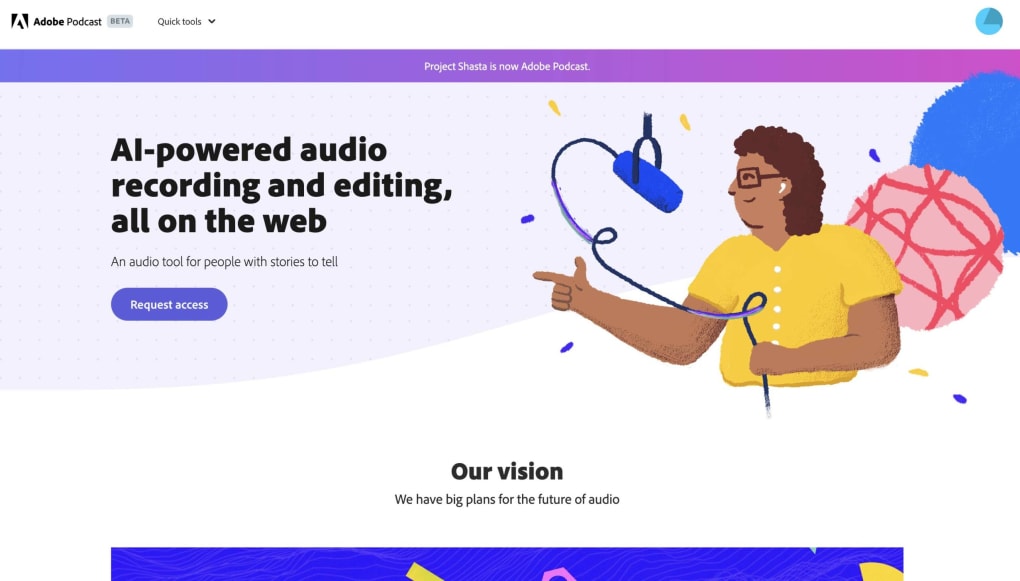
Adobe Podcast is a web‑based, AI‑driven podcast editing tool that lets creators produce studio‑quality episodes without mastering the technical side of audio engineering. Powered by Adobe Premiere Pro’s speech‑to‑text engine, the platform automatically generates accurate transcripts, enables seamless text‑based audio edits, and applies intelligent noise‑reduction with its Enhance Speech feature. Because it lives in the browser, you can start a project from any computer, invite collaborators with a simple shareable link, and let the cloud handle all syncing and storage. The service is completely free, making it an attractive entry point for beginners, while still offering enough depth to satisfy intermediate podcasters who need quick turnaround times. Whether you’re recording a solo monologue, a remote interview, or a multi‑host round‑table, Adobe Podcast provides a secure, high‑quality workflow that integrates effortlessly with the broader Adobe Creative Cloud ecosystem.
Features, Installation & Usage
Key Features (itemprop="featureList")
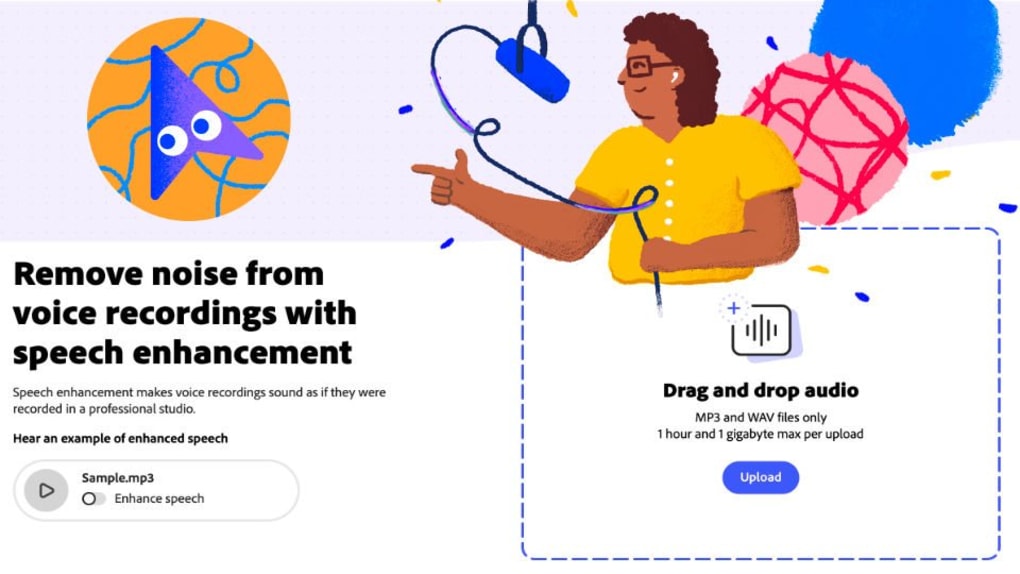
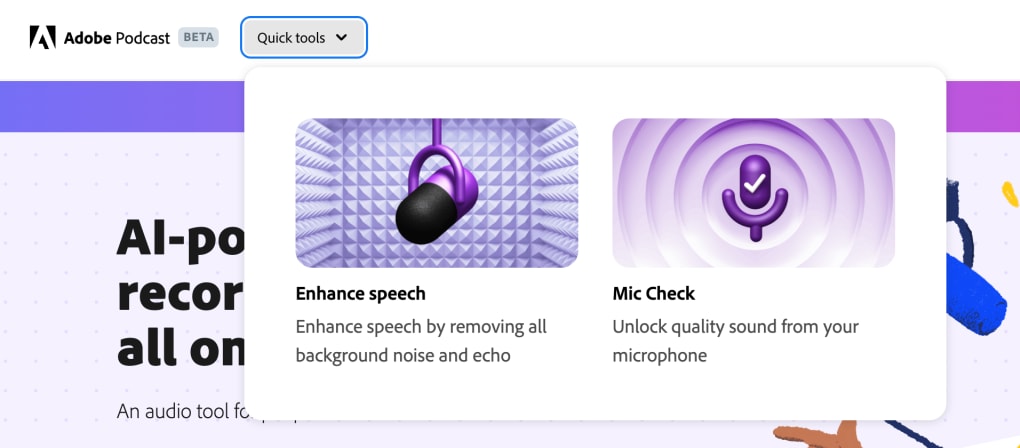
- AI‑enhanced speech cleanup that removes background noise and reverberation.
- Automatic transcript generation for fast text‑based editing.
- Mic Check AI that suggests optimal microphone placement and settings.
- Pre‑made audio templates and customizable intro/outro packs.
- Real‑time remote recording with cloud‑based synchronization.
- Seamless integration with Adobe Audition, Premiere Pro, and other Creative Cloud apps.
- Free to use with no hidden subscription fees.
Installation & First‑Time Use
Since Adobe Podcast is a browser‑only application, there is no traditional installer. To get started, visit the official Adobe Podcast website, click the “Start Recording” button, and sign in with an Adobe ID (or create one for free). After authentication, you’ll be taken to a clean dashboard where you can create a new episode, upload existing audio files, or launch a live remote session.
The platform automatically detects your microphone and prompts you to run a quick Mic Check. Follow the on‑screen AI suggestions, then hit “Record” to begin capturing audio. All recordings are saved in the cloud, and you can access them from any device simply by logging in again.
Compatibility (itemprop="operatingSystem")
Adobe Podcast runs on any modern web browser that supports WebRTC and HTML5, including Chrome, Edge, Firefox, and Safari on Windows 10/11, macOS Ventura or later, and even Chrome OS. Because it is cloud‑based, there is no need for a dedicated graphics card or high‑end CPU, although a stable broadband connection (minimum 5 Mbps upload) is recommended for smooth remote sessions. Mobile browsers are technically supported, but the full editing suite is optimized for desktop use.
Pros & Cons
- Pros:
- Completely free with no trial limitations.
- AI‑driven noise removal produces studio‑grade sound.
- Instant transcript creation speeds up editing.
- Collaborative remote recording eliminates the need for separate file‑sharing services.
- Deep integration with other Adobe Creative Cloud tools.
- Cons:
- Requires a constant internet connection; offline editing is not possible.
- Performance can degrade on slower networks or low‑end devices.
- Limited advanced audio routing compared to dedicated DAWs.
- Feature set is still expanding; some power users may find it basic.
Frequently Asked Questions
Is Adobe Podcast really free?
Yes. Adobe Podcast is offered at no cost. You only need an Adobe ID to access the platform, and there are no hidden subscription fees or pay‑walls for core editing features.
Can I edit an episode after the recording is finished?
Absolutely. All recordings are saved in the cloud, and the transcript remains editable. You can modify text, delete sections, or replace audio snippets at any time, and the AI will automatically re‑sync the changes.
Do I need a high‑end microphone to get good results?
While a decent condenser mic will always improve raw quality, Adobe Podcast’s Enhance Speech and Mic Check AI can compensate for modest hardware. The tool is designed to make even budget microphones sound professional.
Is my audio data safe on Adobe’s servers?
Adobe follows enterprise‑grade security standards, including encryption at rest and in transit. Your recordings are stored in your Adobe Creative Cloud account, and you retain full ownership and control over the files.
Can I export my podcast to popular platforms directly from Adobe Podcast?
Export options include MP3, WAV, and AAC files. While Adobe Podcast does not publish directly to services like Spotify or Apple Podcasts, you can easily download the final audio and upload it to any hosting platform of your choice.
Conclusion & Call to Action
Adobe Podcast delivers a compelling blend of AI‑powered editing, cloud‑based collaboration, and zero‑cost access, making it one of the most attractive options for both newcomers and seasoned podcasters looking for a quick turnaround. Its ability to clean up audio, generate accurate transcripts, and integrate with the Adobe Creative Cloud suite provides a streamlined workflow that rivals many paid DAWs. The primary limitation remains its reliance on an internet connection, which can be a hurdle for creators in low‑bandwidth regions. Nevertheless, for anyone who wants to launch a podcast quickly, improve sound quality without expensive gear, and stay within a secure Adobe ecosystem, Adobe Podcast is a solid, future‑ready choice. Ready to start your podcasting journey? Click the button below to download Adobe Podcast, create your first episode, and experience AI‑enhanced audio editing for free.
Start Podcasting with Adobe Podcast


.png)



